


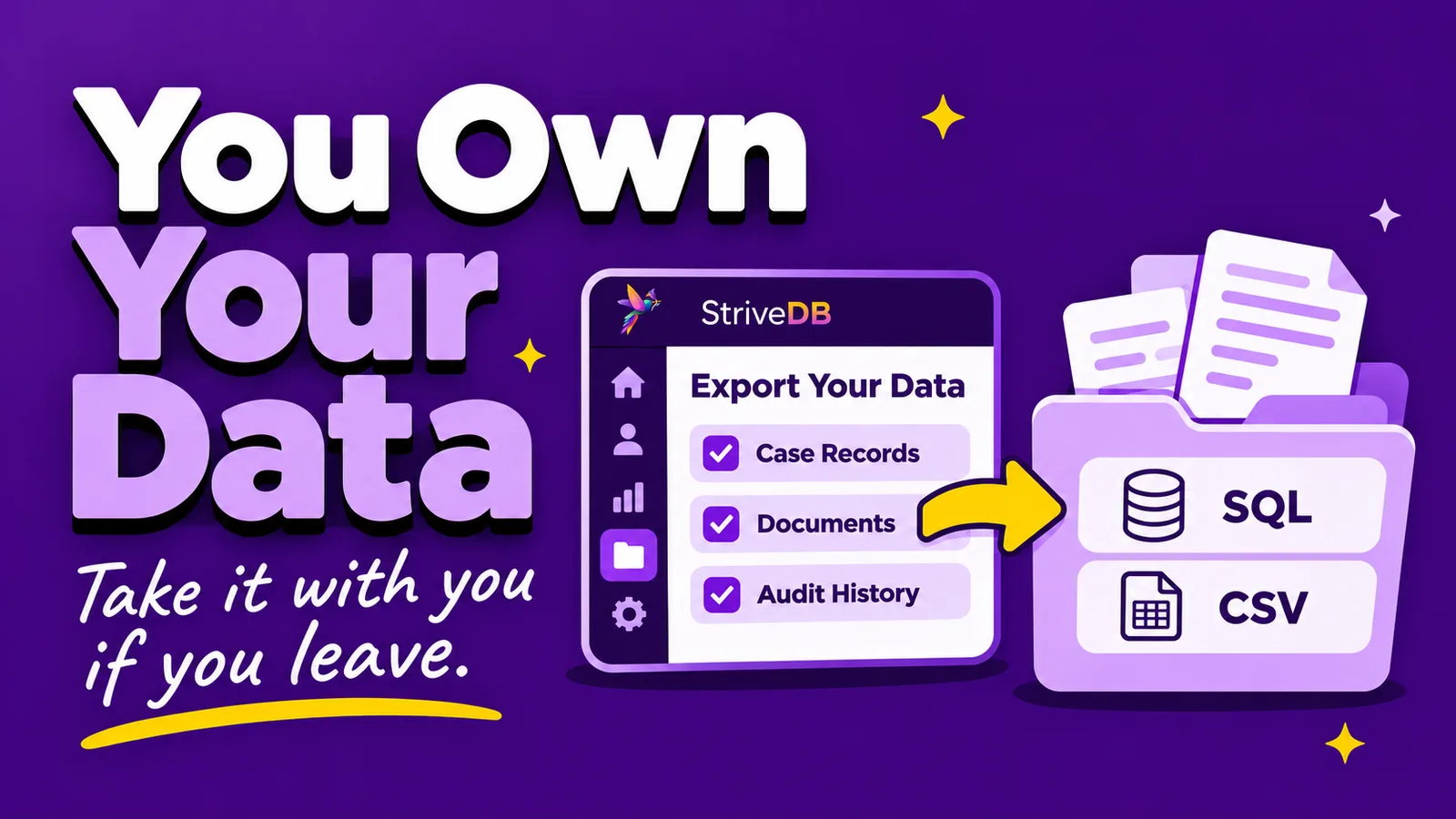
The data you put into StriveDB belongs to your organization, not to us. We store it and protect it, but it remains yours.
These are the records of people who came to your organization at the worst point in their lives. The trust that produced them is between them and you. We just hold the file.
Choosing StriveDB shouldn't mean giving up control of your data. If you decide to leave, you should be able to take it with you without paying us to hand it back.
Before you choose any case management database, ask one question: if we leave, how do we get all of our data back, and what will it cost?
Do we charge a fee to export your data?
No. StriveDB does not charge any fee to export your data, at any time, for any reason. There's no offboarding fee or per-record charge, and you don't have to buy a consulting package just to get your records out.
There are two kinds of exports in StriveDB. Built-in data exports can be run by any authorized user at any time, without contacting us. Reports export to Excel. Most screens in the product have an export option.
The full export described below is different. It's your organization's entire dataset, and we produce it as part of closing an account.
What format does the export come in?
We offer two formats: a structured PostgreSQL export, or a set of CSV files. We recommend the PostgreSQL export.
PostgreSQL. Your organization's data in our schema, with the table relationships, keys, and data types intact. We provide full documentation of the schema on request, so your new vendor knows exactly what they're looking at. If your new system can accept it, this is the version to take.
CSV. Roughly 100 files, one per table, including the association tables and the ID references that connect them. The same records are in both formats, audit history included. What the CSV set doesn't carry is the schema itself. The relationships are still described by the ID columns, but they're no longer enforced by a database, so your new vendor has to map and validate them during the import rather than restoring them.
If those two paragraphs meant nothing to you, that's fine. Send them to whoever is building your new system and they'll know which one they want.
The practical difference shows up in the work and the risk. A PostgreSQL export restores as a working database. A CSV set has to be rebuilt into one, and rebuilding is where records get mismatched. That matters most for audit history, which is what you need when a funder asks about a service record from three years ago, or when a subpoena arrives and the question is who entered a record and who changed it.
Uploaded documents come separately, as their own collection of archives. Everything your staff attached to a case file comes with you.
How are data exports sent to us?
We deliver every export through a secure, authenticated channel.
- The files are placed in password-protected archives.
- The archives are made available through an authenticated download link inside StriveDB, backed by our own encrypted storage. Nothing is emailed and nothing is placed in third-party file sharing.
- Only the person who requested the export can retrieve it.
We only send exports to an authorized entity you designate.
A full export contains your entire survivor record set in one place. VAWA and VOCA both restrict the disclosure of survivor personally identifying information, so we treat the export itself as the most sensitive thing we handle.
Who can request an export?
A full export is generated only on written request from an administrator or an authorized representative of your organization. That means someone with authority to act for the center, not any staff member with a login. The written requirement exists for the same reason as the delivery controls. This is the most sensitive data your organization holds.
You have 90 days after your subscription ends to request a full export. That window applies even if your subscription lapsed without anyone telling us. If your grant cycle ended, your ED left, and nobody remembered to send an email, we'll still produce your export.
What happens if we decide to leave StriveDB?
If you decide to leave StriveDB, we'll be sorry to see you go. However, we are committed to making sure the offboarding process is as seamless and smooth as possible. Here's how:
We work with your new vendor. In practice this is usually a call or two and some email. They do the import work, since it's their system and their timeline, but we'll answer their questions, walk them through the schema, and get on a call when it helps.
We confirm when your data is gone. When we destroy your data, we issue a Certificate of Destruction to the person who signed the contract with us, or to whoever they've designated. You get written confirmation, not a verbal assurance. Our terms of service require us to irretrievably delete your data once the 90-day export window closes.
NNEDV's Safety Net Project, which advises victim service providers on technology and confidentiality, recommends that victim service programs be able to take their data with them when a service agreement ends. Our export process follows that principle.
Do other vendors charge to export your data?
The quickest way to find out if your vendor charges a fee to export data is to contact them. We've built this table based upon our experience working with other vendors and based upon publicly available data sources. However, many contracts are unique, and the only way to know for sure is to review your contract. The best place to start is usually to reach out to your current vendor's support team.
| Vendor | Exit export publicly documented? | Format | Fee | Window after termination |
|---|---|---|---|---|
| StriveDB | Yes | PostgreSQL or ~100 CSV files, documents separately | None | 90 days |
| VSTracking | Yes, in their end user license agreement | Full MySQL backup file | None for the standard exit export. Fees may apply to a later restore from backup | 90 to 97 days in the live system, then restorable from a rolling backup |
| CharityTracker | Yes, in their Terms of Service | Raw SQL export on written request | Not stated | 30 days after cancellation |
| Bonterra Apricot | Partly | MySQL database export, or CSV via reports | Their SQL export is a paid service. Their agreement separately provides 30 days of no-cost access to retrieve your own data, but only if you ask in writing on or before your termination date | 30 days, conditional on that written request |
| Vela | Ownership yes, process no. Their agreement states the client owns the data | Report exports to XLS or PDF, and HMIS reports to zipped CSV. No format published for a full export | Not published | Not published |
| EmpowerDB | Ownership yes, exit terms no. Their site states your data is solely yours | Reports export to Excel. Coalition documentation describes a self-service download of all client data, encrypted and in SQL | Not published | Not published |
| Clarity Human Services | No | HUD CSV export documented | Not published | Not published |
| CaseStream | No | Excel exports for reporting. No full-export format published | Not published | Not published |
| Cap60 | No | Export from built-in reports, per their 2015 release documentation. No full-export format published | Not published | Not published |
| Osnium | Different model. Self-hosted, and Osnium says your data stays on your own server | SQL Server, so your IT staff can produce a .bak backup file | No vendor export needed | Not applicable |
Sources reviewed November 2026. VSTracking: end user license agreement. CharityTracker: Terms of Service. Bonterra Apricot: master subscription and services agreement, and SQL database export FAQ. Vela: deployment, hosting and support agreement. EmpowerDB: website, and the Maine Coalition to End Domestic Violence administrator manual (July 2021). Clarity Human Services: HMIS CSV Export documentation. Cap60: 2015 release documentation. CaseStream: features page. Osnium: Agency and Shelter product page, and installation instructions.
This table is not a ranking, and the columns aren't strictly comparable. A documented HUD CSV report is not the same thing as a contractual right to a full account export, and routine Excel reporting tells you nothing about what a vendor will hand you on your last day. Read the first column before the others.
"Not published" means we couldn't find the information on a public page or in a public agreement. Many vendors put exit terms in the contract instead, which is normal and says nothing about whether those terms are good. It's also why you should ask before you sign rather than after.
Osnium belongs in a different column than the rest of this table. It's installed on your own server rather than hosted, so there's no export to request. Your IT staff can take a SQL Server backup, and Osnium documents how. That's a real advantage on this particular question, and it comes with the usual trade of running the server yourself.
NNEDV's database vendor checklist already tells programs to confirm that there's a clear procedure for exporting all of their data before they sign. We'd add one line to that: ask what it costs, and get the answer in writing.
Questions we get
Does the export include case notes and uploaded documents?
Yes. Case notes and counseling session notes are part of the database export. Uploaded documents come separately, as their own set of password-protected archives.
Can we get a full export while we're still a customer?
Yes. Our built-in exports are available at any time, and you can request a copy of your data from us whenever you need one. The full formal export is normally produced as part of closing an account, but it isn't reserved for that.
What if our subscription already ended?
You have 90 days. Contact us and we'll generate the export.
Do you document the export format?
Yes. We provide full schema documentation for the PostgreSQL export and a file-by-file description of the CSV export, both on request, and we'll share them directly with your new vendor.
Interested in switching to StriveDB? Here's how we help.
If you're moving to StriveDB from another case management system, we can help with the import too. We'll take the export your current vendor gives you, handle the import, and set up a test run in a staging environment so you can see your own data in Strive before anything goes live.
Talk to usOur data retention and destruction practices are summarized in the StriveDB Security Statement.
Related reading
- Vela (Element 74) alternatives for victim service providers: a detailed comparison with StriveDB
- How to Switch from VSTracking to StriveDB: alternative and migration guide
- Bonterra Apricot alternatives for DV/SA centers: a detailed comparison with StriveDB
- Osnium alternatives for victim service providers: why it might be time to upgrade to StriveDB
- How StriveDB keeps survivor data secure